

Cisco Training Courses

Cisco Training Courses

Insoft has been serving IT industry with authorized Cisco courses training, since 2010. Find all the relevant information on Cisco training on this page.

View More Cisco Training Learning Partner
Cisco Certifications

Cisco Certifications

Experience a blended learning approach that combines the best of instructor-led training and self-paced e-learning to help you prepare for your certification exam.

View More Cisco Training Learning Partner
Cisco Learning Credits

Cisco Learning Credits

Cisco Learning Credits (CLCs) are prepaid training vouchers redeemed directly with Cisco that make planning for your success easier when purchasing Cisco products and services.

Have CLCs and want to redeem them? Cisco Training Learning Partner
Cisco Continuing Education

Cisco Continuing Education

The Cisco Continuing Education Program offers all active certification holders flexible options to recertify by completing a variety of eligible training items.

View More Cisco Training Learning Partner
Cisco U Digital Learning

Cisco U

Cisco U. is customized to achieve your learning needs as this provides learning paths that includes wide range of topics, including CCNA, Cloud and Network Automation Essentials.

Browse Catalogue Cisco Training Learning Partner
Cisco Business Enablement

Cisco Business Enablement

The Cisco Business Enablement Partner Program focuses on sharpening the business skills of Cisco Channel Partners and customers.

View More Cisco Training Learning Partner
Fortinet Certification Training

Fortinet Technical Certifications

Insoft Services´ training capabilities rely on the excellence of our exclusive Fortinet Certified Trainers (FCT). We are dedicated to providing high-quality training to Fortinet Customers and Partners.

View More Fortinet Premier Authorized Training Center
Fortinet Training Courses

Fortinet Technical Courses

Insoft is recognised as Fortinet Authorized Training Center in selected locations across EMEA.

View More Fortinet Premier Authorized Training Center
Fortinet Premier Authorized Training Center

ATC Status

Check our ATC Status across selected countries in Europe.

View More Fortinet Premier Authorized Training Center
Fortinet Consultancy Services

Fortinet Services Packages

Insoft Services has developed a specific solution to streamline and simplify the process of installing or migrating to Fortinet Products.

Browse Packages Fortinet Premier Authorized Training Center
Extreme Networks Training Partner

Technical Training

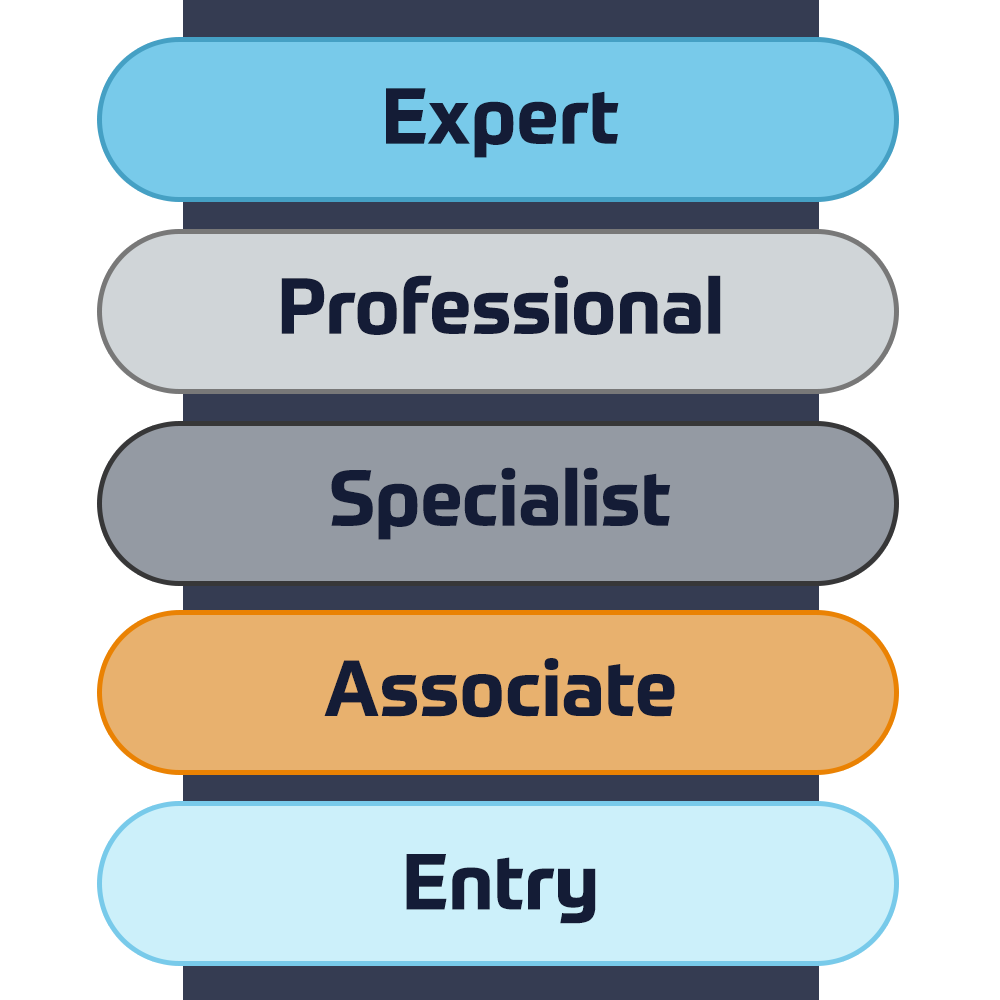
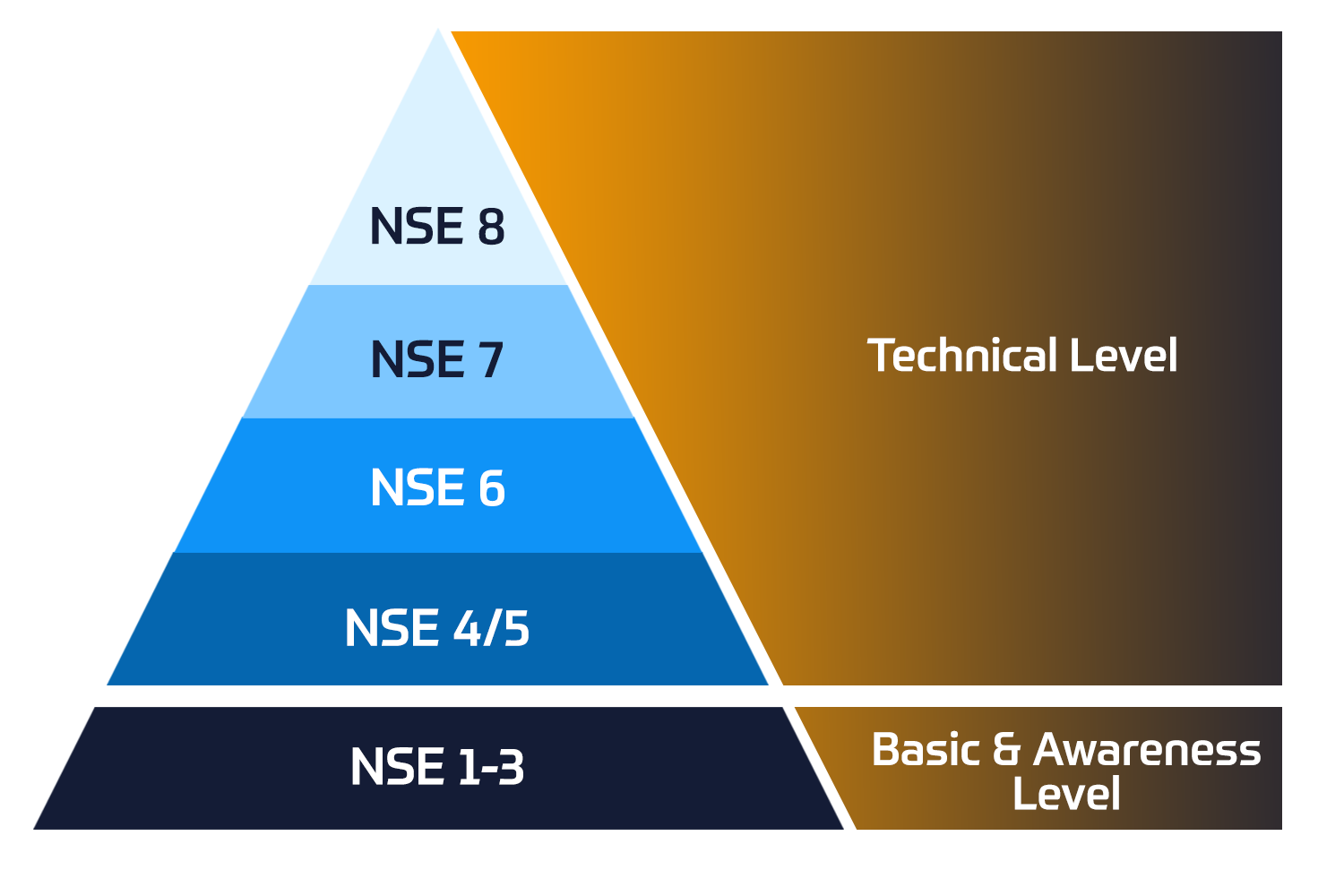
The evolution of Extreme Networks Technical Training provides a comprehensive progressive pathway from Associate to Professional accreditation.

View More Extreme Networks Training Partner
Extreme Networks Training Partner

ATP Accreditation

As an authorised training partner (ATP), Insoft Services ensures that you receive the highest standards of education available.

View More Extreme Networks Training Partner
Consultancy Services

What we do

Through our global presence and partner ecosystem, we provide strategic IT consulting services to align IT services with customers' business goals.

View More
Cisco Consultancy Services


We provide the highest level of expertise on Cisco consultancy services, that target audits of your current network and implementing updates for improved operational performance, secure data and compliant systems.

View More
Fortinet Consultancy Services


We provide the highest level of expertise on Fortinet consultancy services that target audits of your current network and implementing updates for improved operational performance, secure data and compliant systems.

View More
Extreme Networks Consultancy Services


Our team can help enterprises, get the most value from Extreme products and services following our predefined value-added packages or custom ones that fits business needs.


View More
TXOne Networks


TXOne Networks provides cybersecurity solutions that ensure the reliability and safety of ICS and OT environments through the OT zero trust methodology protecting assets for their entire life cycle.


View More
Insoft Services

About Us

Our training portfolio includes a wide range of IT training from IP providers, including Cisco, Extreme Networks, Fortinet, Microsoft, to name a few, in EMEA.

View More Insoft Services

Symantec Control Compliance Suite 12 Administration

Contact Us

We would love to hear from you. Please complete this form to pre-book or request further information about our delivery options.

Data Protection & Privacy

I consent to receive emails and/or calls from Insoft Services related to the Insoft Services´ products and services.
I acknowledge that my data will be collected and processed as described in the Insoft Services privacy policy.

Close

Symantec Control Compliance Suite 12 Administration

Enroll Now
Duration
3 Days
Delivery
(Online and onsite)
Price
Price Upon Request

The Symantec Control Compliance Suite 12 Administration course is designed for professionals who are tasked with ensuring the security of their computing enterprise and compliance with both external and
internal mandates.

This course focuses on using Control Compliance Suite 12 to define security controls that govern the enterprise, assess compliance with standards and other mandates, and create reports and dashboards to demonstrate compliance and show deficiencies to multiple audiences.

  • Describe current security risk and compliance challenges
  • Define methods of proactive security
  • Describe CCS 12 and how it helps meet security and compliance needs
  • Describe general CCS 12 pre-deployment considerations
  • Install CCS 12
  • Perform initial CCS configuration tasks
  • Import assets and common fields
  • Describe how to install CCS Agents
  • Perform data collection and evaluation
  • Describe the components of standards
  • Copy and edit standards.
  • Evaluate collected data in terms of a standard
  • Describe compliance and risk scores
  • Manage exceptions
  • Create, edit, and map control statements
  • Use Controls Studio to eliminate duplication of controls
  • Describe mandates, policies, and control statements
  • Build queries to gather data quickly from assets
  • Add external data integration and configure data connectors
  • Use CCS reporting features
  • Create, edit, and manage dashboards
  • Investigate contingencies using a “what if?” analysis in dynamic dashboards

Module 1: Introduction to CCS 12

  • Overview of Security and Compliance
  • Proactive Security
  • Intro to CCS 12.0
  • Implementing Security and Compliance with CCS 12.0

Module 2: Installing the CCS Suite

  • General pre-deployment considerations
  • Installation requirements
  • Installation tasks

Module 3: Initial Configuration

  • Getting started tasks
  • Preparing for data collection

Module 4: Getting started with CCS 12

  • Importing assets
  • Installing a Unix Agent
  • Collecting and evaluating data

Module 5: Standards Manager/CVSS and

  • Risk Score
  • Working with standards
  • Assessing compliance with standards
  • Managing exceptions

Module 6: Controls Studio

  • About Controls Studio
  • Working with Controls Studio

Module 7: Ad hoc queries

  • Query building
  • Querying your enterprise

Module 8: External data integration

  • Connecting to external data sources
  • Overview of third-party connectors

Module 9: Reporting and dashboards

  • Reporting overview
  • Working with dynamic dashboards
The Symantec Control Compliance Suite 12 Administration course is designed for professionals who are tasked with ensuring the security of their computing enterprise and compliance with both external and internal mandates. This course focuses on using Control Compliance Suite 12 to define security controls that govern the enterprise, assess compliance with standards and other mandates, and create reports and dashboards to demonstrate compliance and show deficiencies to multiple audiences.
  • Describe current security risk and compliance challenges
  • Define methods of proactive security
  • Describe CCS 12 and how it helps meet security and compliance needs
  • Describe general CCS 12 pre-deployment considerations
  • Install CCS 12
  • Perform initial CCS configuration tasks
  • Import assets and common fields
  • Describe how to install CCS Agents
  • Perform data collection and evaluation
  • Describe the components of standards
  • Copy and edit standards.
  • Evaluate collected data in terms of a standard
  • Describe compliance and risk scores
  • Manage exceptions
  • Create, edit, and map control statements
  • Use Controls Studio to eliminate duplication of controls
  • Describe mandates, policies, and control statements
  • Build queries to gather data quickly from assets
  • Add external data integration and configure data connectors
  • Use CCS reporting features
  • Create, edit, and manage dashboards
  • Investigate contingencies using a “what if?” analysis in dynamic dashboards

Module 1: Introduction to CCS 12

  • Overview of Security and Compliance
  • Proactive Security
  • Intro to CCS 12.0
  • Implementing Security and Compliance with CCS 12.0

Module 2: Installing the CCS Suite

  • General pre-deployment considerations
  • Installation requirements
  • Installation tasks

Module 3: Initial Configuration

  • Getting started tasks
  • Preparing for data collection

Module 4: Getting started with CCS 12

  • Importing assets
  • Installing a Unix Agent
  • Collecting and evaluating data

Module 5: Standards Manager/CVSS and

  • Risk Score
  • Working with standards
  • Assessing compliance with standards
  • Managing exceptions

Module 6: Controls Studio

  • About Controls Studio
  • Working with Controls Studio

Module 7: Ad hoc queries

  • Query building
  • Querying your enterprise

Module 8: External data integration

  • Connecting to external data sources
  • Overview of third-party connectors

Module 9: Reporting and dashboards

  • Reporting overview
  • Working with dynamic dashboards