
 Finland
 Germany
 Denmark
 Sweden
 Italy
Italy Netherlands
 Norway





















Mastering FortiAnalyzer Reporting: A Comprehensive Tutorial for 2026
The Majority of security operations centers globally, do not meet regulatory compliance because they lack the tools to interpret raw data within the critical 72-hour reporting window. It’s difficult to justify security spending when your custom SQL queries take hours to run or produce fragmented results. This FortiAnalyzer reporting tutorial empowers you to master the technical complexities of log aggregation and turn them into sophisticated business intelligence.
You will discover how to increase report generation efficiency and automate delivery to keep your stakeholders informed without manual intervention. We will provide a meticulous roadmap for building custom datasets that demonstrate a clear return on investment for your future-ready enterprise..
Understanding the FortiAnalyzer Reporting Architecture
FortiAnalyzer reporting is a systematic process that aggregates raw log data into structured, professional documents. It serves as a central intelligence hub within Fortinet’s product suite; providing the visibility required for modern security operations. This FortiAnalyzer reporting tutorial focuses on the four architectural pillars that define the system’s logic:
-
Logs: These represent the raw telemetry received from Fabric devices.
-
Datasets: These are SQL-based queries that extract specific information from the log database.
-
Charts: These provide visual representations, such as graphs and tables, based on dataset results.
-
Reports: These are the final documents that compile multiple charts into a cohesive narrative.
Using Administrative Domains (ADOMs) allows organizations to achieve complete data isolation. This ensures that sensitive traffic data remains visible only to authorized personnel, which is a requirement for maintaining strict internal privacy standards.
Predefined vs. Custom Reports: When to Choose Each
Fortinet provides over 300 predefined templates designed to meet the standard security audit requirements, including PCI-DSS and GDPR. These templates are highly efficient for routine monitoring and provide immediate value for new installations. However, custom reports become necessary when stakeholders require specific business-aligned metrics or unique executive summaries that standard templates do not cover.
Most experienced administrators achieve a reduce in development time by cloning an existing template instead of starting from scratch. This strategy allows you to leverage proven SQL queries while tailoring the output to your organization’s unique strategic goals. Those seeking to advance their skills may find value in professional FortiAnalyzer training.
Configuring Datasets and Charts for Custom Insights
The Chart Library provides the visual framework for your intelligence. You can choose from formats, including multi-dimensional bar graphs, detailed tables, or distribution-focused pie charts. Mapping specific log fields to chart axes is critical for precision. For example, assigning “srcip” to the X-axis and ‘bandwidth’ to the Y-axis provides immediate clarity on network consumption.
Use the ‘Test’ button to validate your SQL syntax during this phase. This simple step helps prevent report generation failures by identifying logic errors before finalization.
Mastering SQL Datasets for Advanced Filtering
Advanced filtering requires precise SQL queries to extract meaningful intelligence from high-volume logs. A standard SELECT statement used to isolate high-threat events might look like this:
SELECT user, action, count(*) as total FROM $log WHERE severity=’high’ GROUP BY user ORDER BY total DESC;.

Using the $timerange variable ensures your reports remain dynamic. It allows the system to automatically adjust data based on your chosen selected period, whether it is the last 24 hours or a 30-day window.
To ensure your report sections do not return empty results, use the ‘Dataset Query’ tool to preview outputs. This validation step confirms that your filters accurately capture the intended network telemetry.
If you’re looking to achieve professional mastery in these configurations, our Fortinet technical training courses provide the hands-on experience necessary to excel in complex environments. These sessions empower you to transform raw data into strategic business assets with confidence and precision.
Step-by-Step Tutorial: Creating Your First Custom Report
To begin this FortiAnalyzer reporting tutorial, access the "Reports" menu on your sidebar and click "Create New" to launch the report wizard. This initial stage is critical; you must assign a descriptive name that reflects the report’s purpose, such as "Q1 2026 Perimeter Security Audit."
Select the appropriate Administrative Domain (ADOM) and device group that contains your source data. In distributed environments, choosing the correct device group ensures you are not overwhelmed by irrelevant logs from secondary branches.
The layout editor serves as your canvas. Drag and drop specific charts from the library into the report body to build a visual narrative. To make the data actionable, configure the "Global Filter." This setting restricts output to specific timeframes or severity levels.
Incorporating event logging and threat detection best practices involves filtering for "High" and "Critical" events. This approach reduces noise and focuses on highlighting genuine risks.
Scheduling and Automated Distribution
Efficiency in security operations often depends on automation. Navigate to the "Schedule" tab to automate report generation on a daily, weekly, or monthly basis. You can set up secure email notification profiles to deliver PDF or HTML versions directly to your stakeholders’ inboxes.
It is important to distinguish between "Print Report" and "Save to File." The "Print" option creates a static document suitable for external auditors, while "Save to File" archives data within the FortiAnalyzer database for a 365-day internal audit trail.
Polishing the Presentation for Executives
Executive leadership values clarity over technical detail. Customize the cover page with your company logo and specific title tags to deliver a polished, professional presentation. Use text boxes between charts to provide expert analysis and context.
To maintain consistency across your organization, ensure your staff members participate in authorized Fortinet training for continuous skill advancement. This ensures that every team member can execute this FortiAnalyzer reporting tutorial with precision.
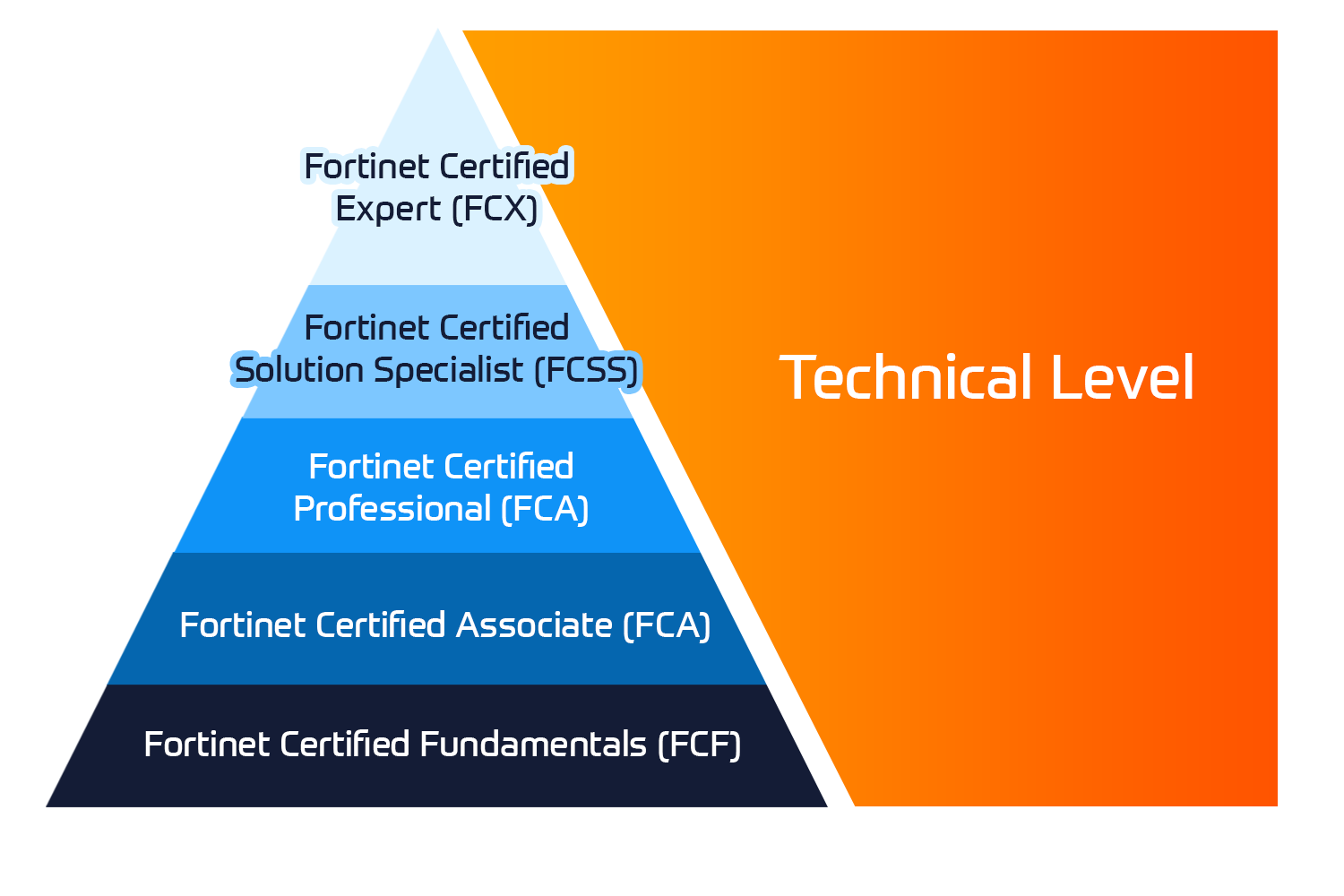
Empower your technical team to reach peak performance by exploring our Fortinet certification track.
Optimizing Report Performance and Strategic Value
Optimizing your environment is essential for maintaining high-performance FortiAnalyzer reporting tutorial experience. Large log volumes can increase report generation time if data retention settings are not properly managed. Administrators should configure the data policies to retain only essential analytics for a defined period, such as 90 days, while archiving older logs to external storage. This prevents the database from becoming bloated and ensures that queries remain responsive during peak operational hours.
To reduce rendering times for complex datasets, enable hcache (hardened cache). This feature pre-calculates report data during log aggregation, significantly improving generation speeds for recurring reports.
Aligning reporting outputs with global standards adds strategic value to your security posture. Reports must be tailored to meet requirements such as GDPR privacy laws, PCI-DSS 4.0 transaction security, or ISO 27001 management protocols. Achieving this level of precision requires a deep understanding of the Fortinet certification tracks, which empower professionals to handle these advanced configurations with confidence and technical accuracy.
Professional Mastery through Authorized Training
Self-study often overlooks the nuanced challenges of high-performance reporting in complex enterprise environments. While basic manuals cover the interface, it does not always address issues such as overlapping log IDs or database schema changes.
Instructor-led technical training courses help resolve specific SQL dataset challenges. These sessions provide hands-on experience with real-world scenarios that static documentation can not simulate. We invite you to explore our full vendor training portfolio to build a comprehensive, multi-vendor security strategy that protects your digital assets across all platforms effectively.
Insoft Services is a Premier Authorized Training Center (ATC) that provides expert-led instruction for the FCP and FCSS tracks. Empower your team with Official Fortinet Training at Insoft Services to stay ahead of the threat landscape. We’re excited to support your professional growth as you build a more secure, future-ready enterprise.

No Comments