
 Finland
 Germany
 Denmark
 Sweden
 Italy
Italy Netherlands
 Norway



























FortiManager Best Practices: A Strategic Checklist for Enterprise Security
What if the very platform designed to unify your security fabric is actually the primary source of majority of your configuration risks? As enterprise networks expand toward 2026, the intricate nature of managing global FortiGate clusters frequently results in an increase in configuration drift when manual overrides central control. You likely recognize that maintaining a synchronized, error-free environment is a persistent challenge that demands strategic depth and technical precision. This guide presents the essential fortimanager best practices required to master these complexities, allowing you to empower your technical team and secure your management plane against sophisticated threats.
It’s our pleasure to provide this technical checklist, which is designed to help you transition from basic administration to true operational excellence. You’ll discover specific configurations for Administrative Domains (ADOMs), automated provisioning workflows, and metadata variables. We’ll detail the exact steps needed to harden your environment and improve visibility across the entire Fortinet Security Fabric. This roadmap ensures your organization remains future-ready and resilient in a high-stakes digital landscape.
Hardening the Management Plane: Security and Access Best Practices
Securing the central system of your network fabric requires more than just standard configurations. As enterprises scale their security operations, implementing fortimanager best practices becomes a foundational requirement for maintaining a resilient posture. The management plane is a high-value target; therefore, your first line of defense begins with rigorous identity and access management. You should enforce a stringent password policy that demands a minimum of 16 characters, including special characters and numerical variety. Mandating 90-day rotation cycles ensures that even if credentials are compromised, their utility is short-lived. Since majority of data breaches involve weak or stolen passwords, you must deploy Multi-Factor Authentication (MFA) for every administrative account without exception.

Restricting access to the management interface is equally critical. You’ll achieve this by configuring trusted hosts to ensure only specific, authorized management subnets can reach the GUI and SSH ports. This move reduces the attack surface compared to open access models. Additionally, set the idle timeout value to a maximum of 10 minutes. This simple adjustment prevents unauthorized access if a workstation is left unattended in a high-traffic operations center. For professionals seeking to achieve technical excellence, FortiManager Administrator training provides the strategic depth needed to manage these complex environments.
Encryption and Protocol Standards
To maintain PCI DSS 4.0 compliance and protect data in transit, you must set the SSL protocol version to TLS 1.2 or higher. Use the config system global command to enforce these standards across the appliance. It’s vital to disable low-encryption cipher suites like RC4 or DES, as these older protocols are vulnerable to downgrade attacks. By doing this, you ensure that administrative sessions remain private and tamper-proof.
Administrative Access Controls
Granular control is a core tenet of the Fortinet’s security philosophy. You should utilize ADOM-specific administrative roles to follow the principle of least privilege. Assigning all of your staff to "Super_Admin" roles creates unnecessary risk. Instead, delegate permissions based on specific operational needs within fortimanager best practices. Enable detailed audit logging to track every configuration change. This creates a forensic trail that is fully accountable, allowing your team to identify the exact origin of any manual error or malicious adjustment.
Logical Segmentation and Object Management Workflow
Effective administration begins with the strategic isolation of resources. You should organize managed devices into Administrative Domains (ADOMs) based on geographic regions or functional silos like "DataCenter" or "Retail_Branches." This structure ensures that administrative overhead remains manageable while enforcing strict role-based access control.
Standardization is your primary defense against configuration drift. You must implement a rigid naming convention, such as [Zone]-[Environment]-[Service], to prevent the proliferation of duplicate objects across the Fortinet Security Fabric. Implementing these fortimanager best practices requires a commitment to technical precision. You should conduct "Unused Object" audits every 90 days to prune the database.
The Step by Step Deployment Workflow
-
Import the current configuration from the physical device to the FortiManager database to establish a baseline.
-
Map logical interfaces and dynamic objects to ensure specific environment alignment across different hardware models.
-
Perform all required configuration changes within the isolated ADOM environment to prevent accidental global overrides.
-
Execute a "Policy Check" to identify multiple potential rule conflicts or redundancies before they reach production. And then, schedule the final installation to managed FortiGate units during a maintenance window to guarantee zero business disruption.
Centralised Object Management
Global ADOMs allow you to push mandatory security headers across every business unit from a single pane of glass. By using dynamic mapping, you can maintain one "Golden Image" policy package that adapts to unique local interfaces automatically. This approach empowers your team to achieve technical excellence.
Maintenance, Resilience, and Lifecycle Strategy
Strategic resilience requires more than just functional knowledge; it demands a disciplined approach to system health and data integrity. To implement fortimanager best practices, please establish a 24-hour backup cycle that replicates the entire database to both local storage and an encrypted repository. This redundancy protects your configuration history against site-wide failures or hardware corruption. For teams with more then 3 administrators, we suggest enabling ‘Workspace Mode’ to facilitate lockable sessions. This prevents configuration conflicts that often lead to increased deployment errors within unmanaged enterprise environments.
Recovery Planning
Deploying a secondary unit in a High Availability cluster provides service availability for your management plane. It’s vital to secure the 32-character ‘Master Encryption Key’ in a managed digital vault. Without this specific key, database restoration on new hardware is impossible. Please document your recovery steps to ensure your team can restore operations within a four-hour recovery time objective during catastrophic hardware failures.
Firmware Lifecycle Management
Infrastructure stability relies on strict adherence to the Fortinet Compatibility Matrix. Before any upgrade cycle, review the specific build numbers for both FortiManager and managed FortiGate units. Testing new firmware in a dedicated non-production ADOM for 14 days allows your team to identify policy push issues before they impact your production environment.
To master these advanced management techniques and secure your infrastructure, please explore our Fortinet certification track to empower your engineering team.
Empowering Your Team: Implementation through Expert Training
Mastering the intricacies of a centralized management platform requires more than intuitive exploration. It’s a technical discipline that necessitates structured, professional guidance to prevent operational gaps. While self-study provides a basic foundation, aligning your management strategy with Fortinet authorised training ensures your technical staff is future-ready for the security landscape. Investing in deliberate skill development directly mitigates the risk of misconfiguration.

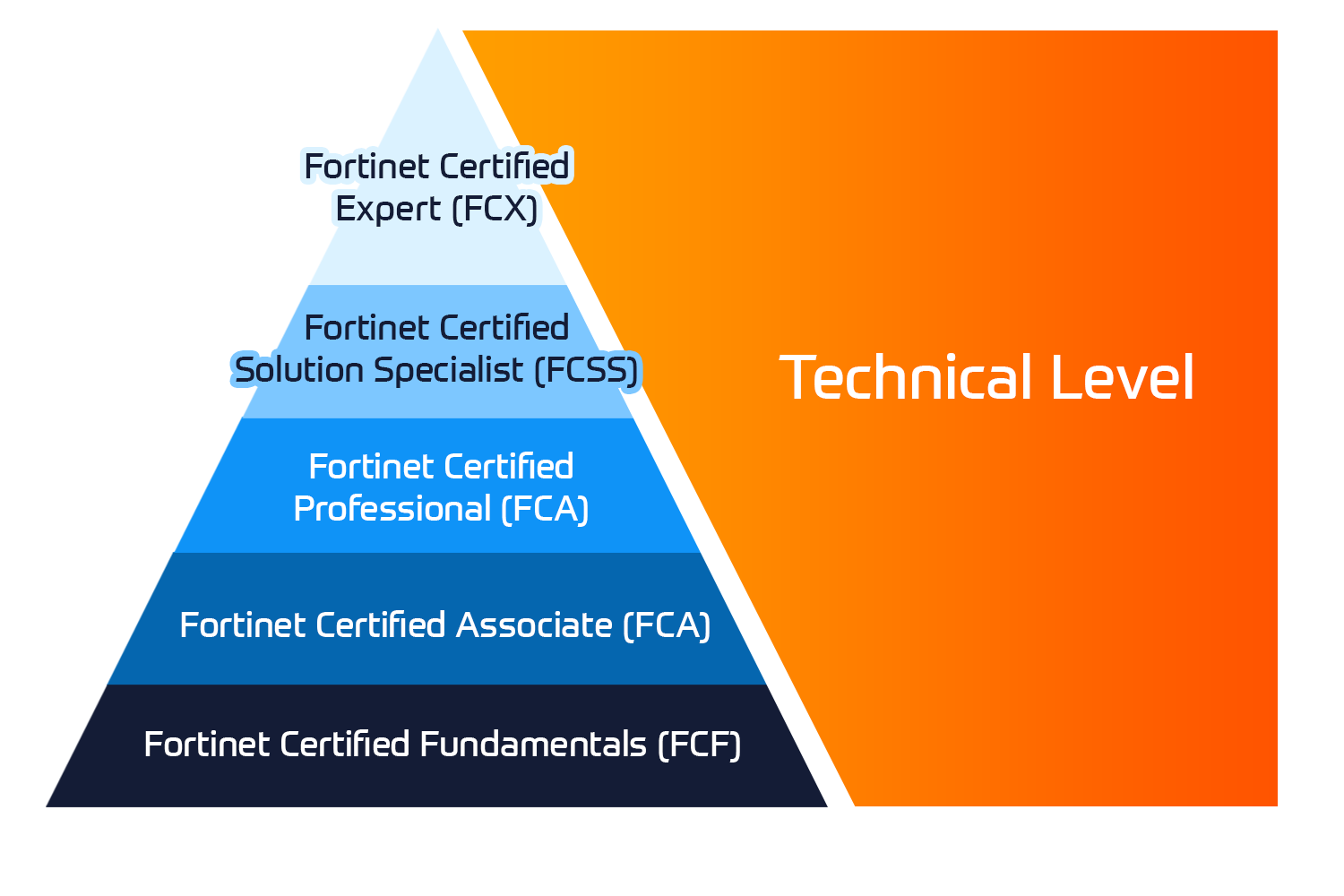
Mastery of fortimanager best practices is a core requirement within the FCP certification track. This program validates an engineer’s ability to orchestrate complex security fabrics across distributed environments. By prioritizing these credentials, your organization builds a resilient internal culture capable of maintaining high-performance security standards.

No Comments